Key Takeaways
- Stockimg is an AI generator for images and design assets.
- It creates logos, stock photos, wallpapers, posters, and more.
- It targets practical design outputs, not just abstract art.
- Great for quick, usable AI visuals for business and content.
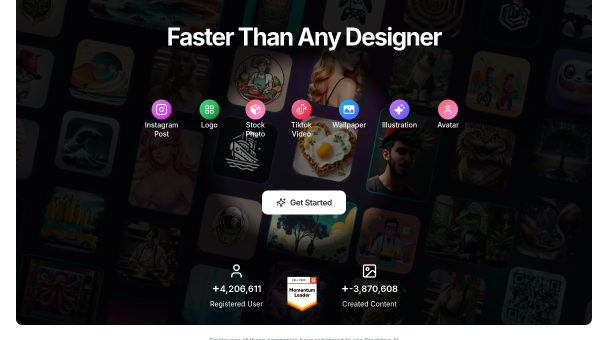
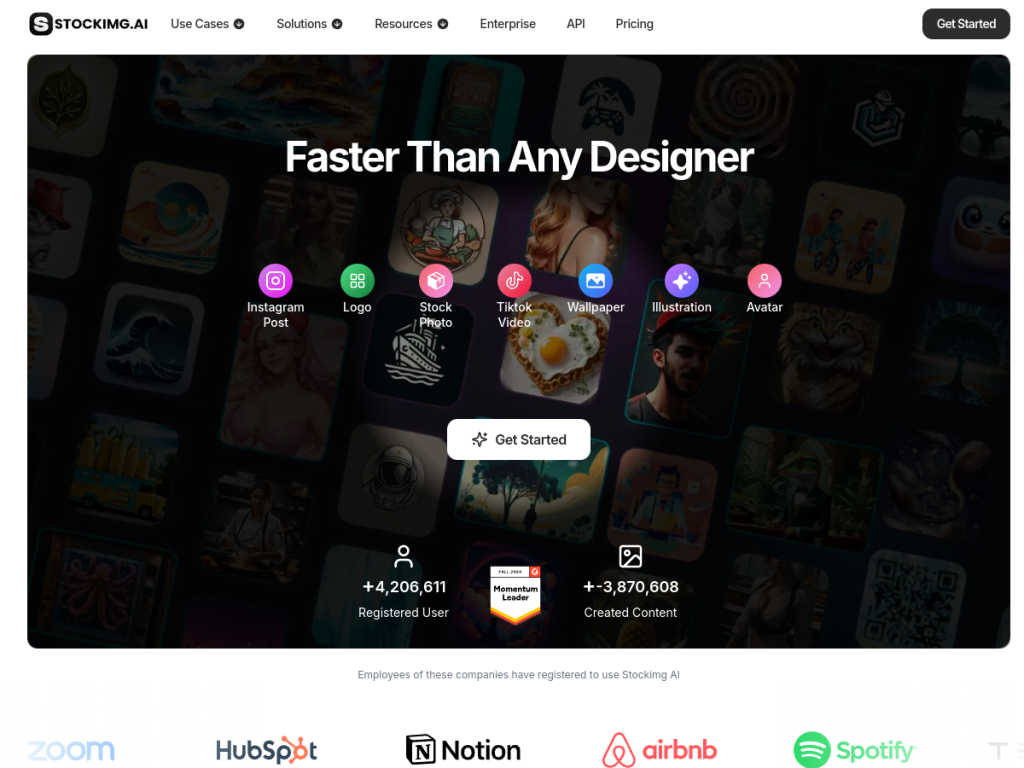
Stockimg (stockimg.ai) is an AI image generator with a practical bent: rather than only abstract art, it focuses on producing usable design assets — logos, stock photos, wallpapers, posters, book covers, and social visuals. You describe what you need and it generates options across those categories. For small businesses, marketers, and creators who want quick, practical AI visuals for real projects, Stockimg is a handy, purpose-oriented tool.
What is Stockimg?
Stockimg (stockimg.ai) is an AI-powered image and design-asset generation platform focused on producing practical, usable visuals rather than only artistic images. It generates a range of asset types from text prompts, including logos, stock photos and images, wallpapers, posters, book and album covers, social media graphics, and other design outputs, organizing generation around these practical use cases. Its features typically include category-specific generation (so you can ask for a logo or a poster specifically), style and customization options, and tools to refine or vary results, plus scheduling or content features in some offerings. Its appeal is convenience and practicality: getting design assets for real business and content needs quickly, without hiring a designer or sourcing stock separately. It sits within the broad AI image-generation space but distinguishes itself by orienting toward concrete design outputs. It targets small business owners, marketers, content creators, and entrepreneurs who need visuals regularly. Stockimg offers limited free use with paid plans for more generation. As with all AI image generation, review output for quality, suitability, and usage rights (including for logos, which warrant care around originality and trademarks).
What it does well
- Practical outputs: logos, stock photos, posters, and covers.
- Category-specific: ask for exactly the asset type.
- Convenient: usable visuals without a designer.
- Free to try: with paid plans for more.
Who it is for
Stockimg fits small business owners, marketers, content creators, and entrepreneurs who need practical design assets regularly — logos, stock photos, wallpapers, posters, covers, and social visuals — and want to generate them quickly with AI rather than hiring a designer or sourcing stock. Its orientation toward concrete, usable outputs is the draw. Those needing bespoke, strategic design (especially a distinctive brand logo) should still consider a designer, AI output should be reviewed for quality, suitability, and usage rights (logos especially warrant care around originality and trademarks), and heavier use is paid. For quick, practical AI visuals, Stockimg is a capable, free-to-start choice.
Things to keep in mind
- Review output for quality, suitability, and usage rights.
- For logos, take care around originality and trademarks; a designer suits bespoke branding.
- Free use is limited; more generation requires paid plans.
Our verdict
Stockimg (stockimg.ai) is a handy, purpose-oriented AI image generator that focuses on practical outputs rather than only abstract art: logos, stock photos, wallpapers, posters, book and album covers, and social visuals, generated by category from text prompts. For small businesses, marketers, and creators who need usable design assets for real projects quickly — without hiring a designer or sourcing stock separately — that practicality is genuinely useful. AI output should be reviewed for quality, suitability, and usage rights (logos especially warrant care around originality), and heavier use is paid, but for quick, practical AI visuals, Stockimg is a solid, free-to-start choice.
Frequently asked questions
What is Stockimg?
Stockimg (stockimg.ai) is an AI image and design-asset generator focused on practical outputs — logos, stock photos, wallpapers, posters, covers, and social graphics — from text prompts.
What makes Stockimg different?
Rather than only artistic images, it orients generation around concrete, usable design assets by category, so you can ask for a logo, poster, or cover specifically.
Is Stockimg free?
Stockimg offers limited free use, with paid plans for more generation.
Can I use Stockimg for logos?
Yes, it generates logos, but review output for originality and take care around trademarks; for a distinctive brand identity, a designer may still be preferable.
Top Stockimg alternatives
Other hand-reviewed Image Generation tools worth comparing against Stockimg.
Adobe FireflyFreemium
Adobe Firefly is a freemium AI design and image generation tool for creatives and visual artists. Our review…
ArtbreederFreemium
Artbreeder is a freemium AI design and image generation tool for creatives and visual artists. Our review covers…
ArtguruFreemium
Artguru is a freemium AI design and image generation tool for creatives and visual artists. Our review covers…
Automatic1111Free
Automatic1111 is a free AI design and image generation tool for creatives and visual artists. Our review covers…
BigJPGFree
BigJPG is a free AI design and image generation tool for creatives and visual artists. Our review covers…
Canva AIFreemium
Canva AI is a freemium AI design and image generation tool for designers. Our review covers what it…
Are you the maker of Stockimg?
Show visitors this review with the badge below. Copy the code into your site or press kit; it links straight back to this page.



