Key Takeaways
- Todoist is one of the most popular to-do list and task management apps.
- Todoist Assist adds AI that turns scattered tasks into clear action plans.
- It is famed for simplicity, natural-language input, and cross-platform sync.
- Great for personal and team task management; AI is a helpful, restrained addition.
Todoist has been a favorite to-do list app for years, loved for being simple, fast, and available everywhere. It has added AI thoughtfully rather than loudly: Todoist Assist helps turn a jumble of tasks into a clear plan, while the core experience — quick capture, natural-language due dates, and reliable sync — stays clean and uncluttered, which is exactly why people trust it with their day.
What is Todoist?
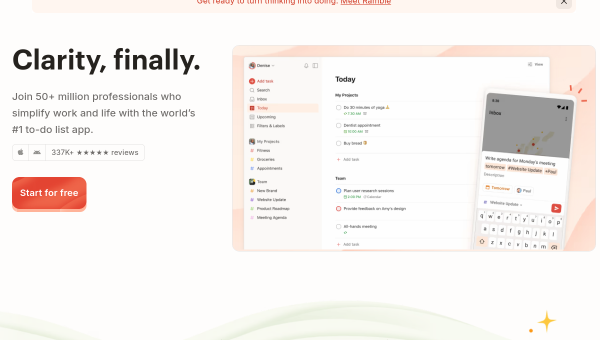
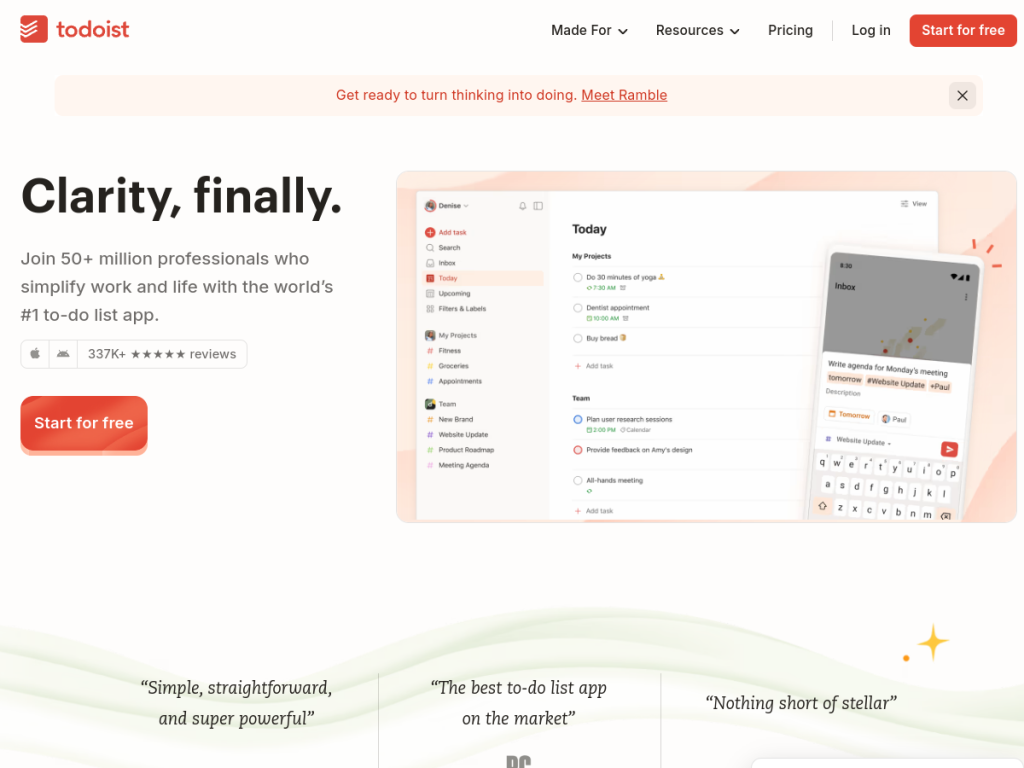
Todoist is a task management and to-do list app used by tens of millions of people to capture, organize, and complete work and personal tasks. Its hallmarks are simplicity and speed: quick task capture, natural-language input (type “every Monday at 9am” and it just works), projects, labels, filters, priorities, and reliable sync across web, desktop, and mobile. Its AI feature, Todoist Assist, helps transform scattered tasks into clear action plans, adding intelligence without cluttering the app’s famously minimal design. It also supports team collaboration for shared projects. Todoist is highly rated with a huge base of five-star reviews, and offers a genuinely useful free plan plus Pro and Business plans that add more projects, features, and AI capabilities.
What it does well
- Simplicity and speed: quick capture and a clean, uncluttered design.
- Natural-language input: type due dates and recurrence in plain words.
- AI assist: turns scattered tasks into clearer action plans.
- Everywhere: reliable sync across web, desktop, and mobile.
Who it is for
Todoist suits individuals and teams who want a reliable, elegant task manager that gets out of the way — from personal to-do lists to shared project tasks — now with a light touch of AI to help organize. It is ideal for people who value simplicity over feature bloat. Those wanting an all-in-one workspace with docs and databases may prefer heavier tools, but for focused, dependable task management with restrained AI, Todoist is one of the best, with a strong free plan.
Things to keep in mind
- Its AI is a helpful assist, not a sweeping automation of your work.
- People wanting an all-in-one docs-and-database workspace may want more.
- The most advanced features and AI sit on Pro and Business plans.
Our verdict
Todoist remains one of the best task managers precisely because it resists bloat: it is simple, fast, and reliable across every device, and its AI addition, Todoist Assist, helps organize without cluttering the experience. For anyone who wants a dependable place to capture and complete tasks — personal or shared — it is hard to beat, and the free plan is genuinely capable. Those wanting a full workspace with docs and databases may look elsewhere, but for focused, elegant task management with a thoughtful touch of AI, Todoist is an excellent choice.
Frequently asked questions
What is Todoist?
Todoist is a popular to-do list and task management app for individuals and teams, known for simplicity, natural-language input, and reliable cross-platform sync.
What is Todoist Assist?
Todoist Assist is the app’s AI feature that helps transform scattered tasks into clear action plans, adding intelligence without cluttering its minimal design.
Is Todoist free?
Yes, Todoist has a genuinely useful free plan, with Pro and Business plans that add more projects, features, and AI capabilities.
Does Todoist work across devices?
Yes. Todoist syncs reliably across web, desktop, and mobile, and supports natural-language task and due-date input.
Top Todoist alternatives
Other hand-reviewed Productivity tools worth comparing against Todoist.
Abnormal SecurityPaid
Abnormal Security by Abnormal AI is a paid AI business and productivity tool for business teams. Our review…
Adobe Acrobat AIFreemium
Adobe Acrobat AI is a freemium AI business and ocr tool for document-heavy teams. Our review covers what…
AirtableFreemium
Airtable is a freemium AI business and productivity tool for knowledge workers. Our review covers what it does,…
AlmanacPaid
Almanac is a paid AI business and productivity tool for knowledge workers. Our review covers what it does,…
AsanaFreemium
Asana is a freemium AI business and productivity tool for knowledge workers. Our review covers what it does,…
Automation AnywherePaid
Automation Anywhere is a paid AI business and productivity tool for business teams. Our review covers what it…
Are you the maker of Todoist?
Show visitors this review with the badge below. Copy the code into your site or press kit; it links straight back to this page.