Key Takeaways
- Sudowrite is an AI writing partner built specifically for fiction and creative writers.
- It helps with prose, description, pacing, brainstorming, and structure via a Story Bible.
- Aimed at novelists, screenwriters, and storytellers, not business copy.
- A collaborator for your creativity — the story and voice should stay yours.
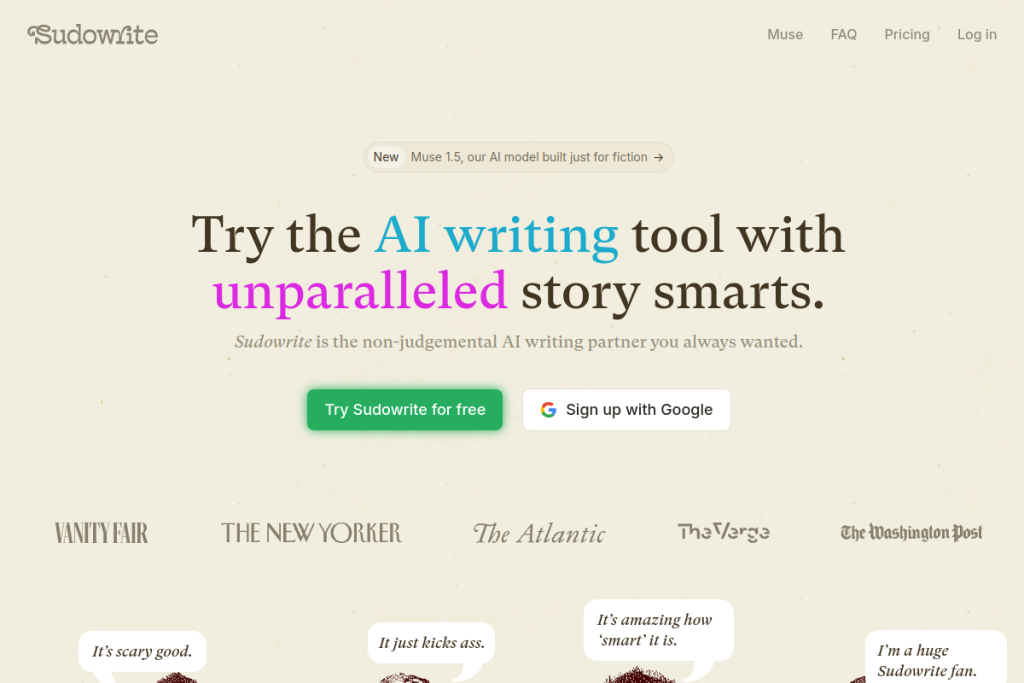
Sudowrite is different from most AI writing tools because it is made for fiction. Instead of marketing copy, it helps novelists and storytellers with the real challenges of creative writing — generating prose in your voice, enriching descriptions, fixing pacing, and developing plot and characters. For writers who want a creative collaborator rather than a business tool, it fills a genuine niche.
What is Sudowrite?
Sudowrite is an AI writing tool for fiction and creative writing. Its Story Bible guides you from idea to outline to chapter beats, while features like Write, Describe, Expand, and Rewrite help with prose, imagery, pacing, and revision. It also brainstorms names and worldbuilding, offers structured feedback, plans plots on a canvas, and even visualises characters — all tuned for storytelling.
What it does well
- Fiction-focused — built for storytelling, not business copy.
- Story Bible — take a story from idea through outline to beats.
- Prose help — generate, describe, expand, and rewrite in your voice.
- Structure and planning — canvas tools for plot and character arcs.
- Brainstorming — names, titles, and worldbuilding ideas.
Who it is for
Sudowrite suits novelists, screenwriters, and fiction writers who want AI help with the creative process — whether beating writer’s block, enriching a scene, or planning a plot. It is especially valuable for people writing longer works who want a collaborator that understands story structure rather than a generic text generator.
Things to keep in mind
AI is a collaborator, not the author — the best results come when the story, voice, and choices remain yours and you edit its suggestions rather than accepting them wholesale. There are also ongoing conversations in the writing community about AI’s role in creative work, so use it in a way you are comfortable with and that fits your goals as a writer.
Our verdict
Sudowrite is one of the few AI tools genuinely designed for fiction, and that focus shows in features that understand pacing, description, and story structure. For novelists and storytellers who want a creative partner to push through blocks and refine their work, it is well worth trying. Keep your voice at the centre, and it can be a genuinely useful collaborator.
Frequently asked questions
Is Sudowrite good for non-fiction or business writing?
It is designed for fiction and creative writing — prose, story structure, description, and worldbuilding. For business or marketing copy, a general or marketing-focused AI writer fits better.
Will Sudowrite write my novel for me?
It is a collaborator, not a ghostwriter. It helps with prose, pacing, and ideas, but the strongest results keep the story and voice yours, with you editing its suggestions.
Reviewed by the World of AI Hub editorial team based on the tool website and documentation.
Top Sudowrite alternatives
Other hand-reviewed Education tools worth comparing against Sudowrite.
Ada HealthFree
Ada Health is a free AI education and healthcare tool for healthcare providers. Our review covers what it…
Buoy HealthFree
Buoy Health is a free AI education and healthcare tool for healthcare providers. Our review covers what it…
ChatPDFFreemium
ChatPDF is a freemium AI education and pdf-tool tool for document-heavy teams. Our review covers what it does,…
Connected PapersFreemium
Connected Papers is a freemium AI education and research tool for researchers. Our review covers what it does,…
Coursera AIFreemium
Coursera AI is a freemium AI business and education tool for students and educators. Our review covers what…
Duolingo MaxFreemium
Duolingo Max is a freemium AI education and translation tool for students and educators. Our review covers what…
Are you the maker of Sudowrite?
Show visitors this review with the badge below. Copy the code into your site or press kit; it links straight back to this page.



