Key Takeaways
- Akiflow consolidates your calendar, tasks, and inboxes, with an AI assistant called Aki.
- It unifies work from many tools, enables time-blocking, and captures tasks by voice or text.
- Aimed at busy founders, operators, and doers who juggle many sources of work.
- A powerful consolidator; the productivity gain depends on adopting its daily workflow.
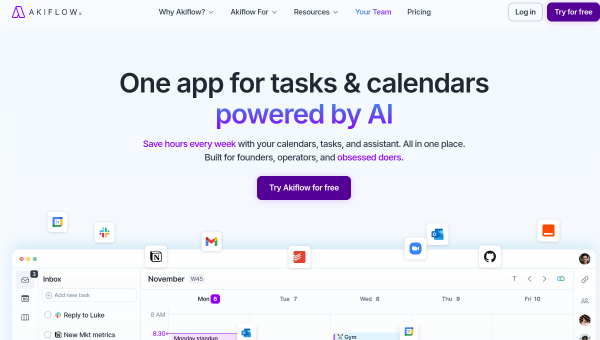
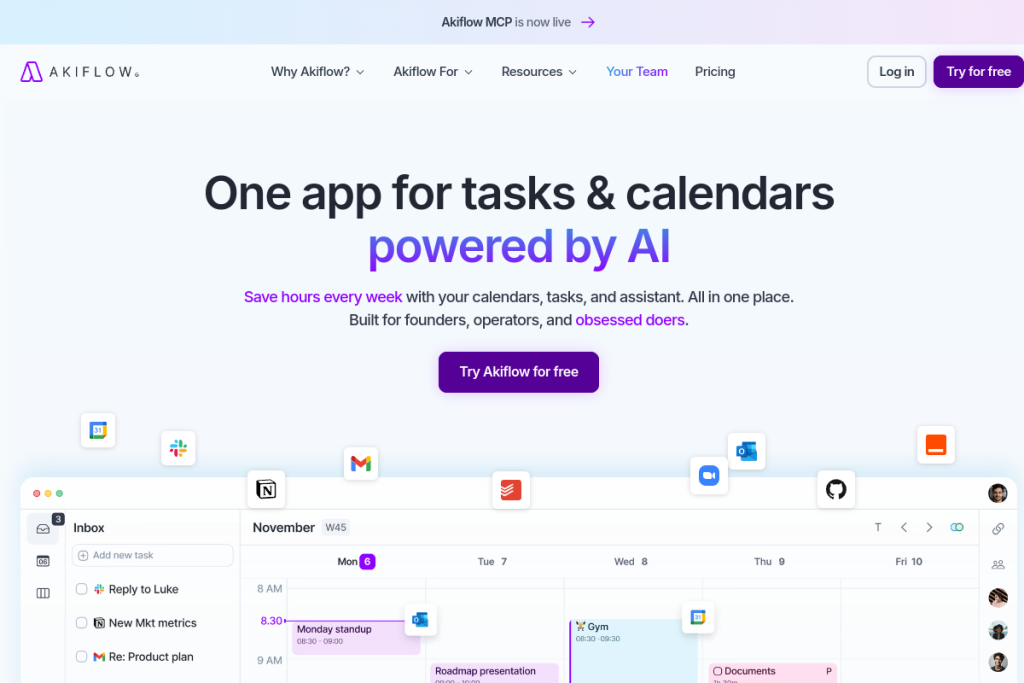
Akiflow is built for people overwhelmed by scattered work — tasks in one app, meetings in another, requests buried in inboxes. It pulls everything into one place, lets you time-block tasks onto your calendar, and adds an AI assistant, Aki, to help schedule and prioritise. For busy operators who want a single command centre for their day, it is a serious consolidator.
What is Akiflow?
Akiflow is an all-in-one productivity platform combining calendar management, task planning, and inbox organisation. It syncs work and personal calendars, offers an AI-powered task manager with time-blocking, and includes Aki, an AI assistant that handles scheduling and prioritisation. It provides a universal inbox with many integrations, voice and natural-language task capture, daily briefings, and focus modes.
What it does well
- Consolidation — bring calendar, tasks, and inboxes into one place.
- Time-blocking — schedule tasks onto your calendar.
- Aki AI assistant — help with scheduling and prioritisation.
- Fast capture — voice commands and natural-language task entry.
- Integrations — connect many tools plus Zapier and IFTTT.
Who it is for
Akiflow suits founders, operators, and busy professionals who juggle work across many tools and want a single command centre for their day. It is especially useful for people who feel their tasks and requests are scattered and want to consolidate, plan, and time-block everything with AI assistance.
Things to keep in mind
An all-in-one consolidator only pays off if you actually route your work through it and adopt its daily time-blocking workflow — the benefit comes from consistent use, not just setup. As with any AI assistant, review what Aki schedules or prioritises, and connect the right integrations so it has the full picture of your work.
Our verdict
Akiflow is a powerful productivity consolidator for people drowning in scattered tasks and tools, and its AI assistant plus time-blocking make planning a busy day more manageable. For founders and operators who want one command centre, it is well worth trying. Commit to routing your work through it and adopting the daily workflow, and it can bring real order to a chaotic schedule.
Frequently asked questions
What is Aki in Akiflow?
Aki is Akiflow’s AI assistant, which helps with scheduling and prioritising your tasks, complementing the platform’s calendar consolidation, time-blocking, and universal inbox.
Does Akiflow bring my tasks together?
Yes — it consolidates calendar, tasks, and inboxes from many tools into one place, with time-blocking and fast voice or natural-language capture, so your work lives in a single command centre.
Reviewed by the World of AI Hub editorial team based on the tool website and documentation.
Top Akiflow alternatives
Other hand-reviewed AI Productivity tools worth comparing against Akiflow.
AmieFreemium
Amie is a freemium AI productivity tool. Our hands-on review covers features, pricing, pros and cons, and who…
Any doFree Trial
Any do by Any.do is a free trial AI productivity tool. Our hands-on review covers features, pricing, pros…
AudioPenPaid
AudioPen is a paid AI productivity tool. Our hands-on review covers features, pricing, pros and cons, and who…
BricksFree Trial
Bricks is a free trial AI productivity tool. Our hands-on review covers features, pricing, pros and cons, and…
CodaFree Trial
Coda is a free trial AI productivity tool. Our hands-on review covers features, pricing, pros and cons, and…
CraftFreemium
Craft is a freemium AI productivity tool. Our hands-on review covers features, pricing, pros and cons, and who…
Are you the maker of Akiflow?
Show visitors this review with the badge below. Copy the code into your site or press kit; it links straight back to this page.