Key Takeaways
- Bricks is an AI platform that turns spreadsheets and data into dashboards, reports, and presentations.
- It works from CSVs, Excel, and database connections, with an AI spreadsheet and chart builder.
- It generates dashboards, charts, and even slide decks from your data with AI assistance.
- Great for fast, no-code data visualization; complex analytics may still need dedicated BI tools.
Bricks reimagines the spreadsheet as a launchpad for visuals. Point it at a CSV, an Excel file, or a database, and its AI builds dashboards, charts, reports, and even presentations — letting people who are comfortable with spreadsheets produce polished, interactive data visuals without wrestling with complex BI software.
What is Bricks?
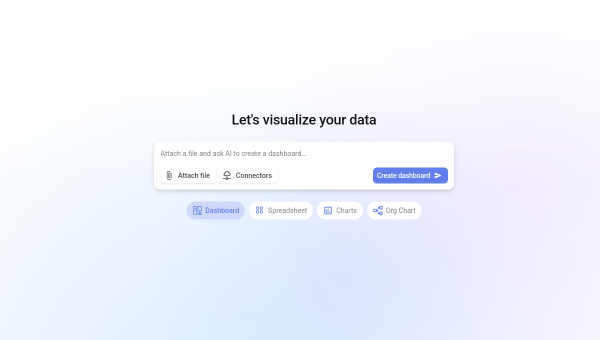
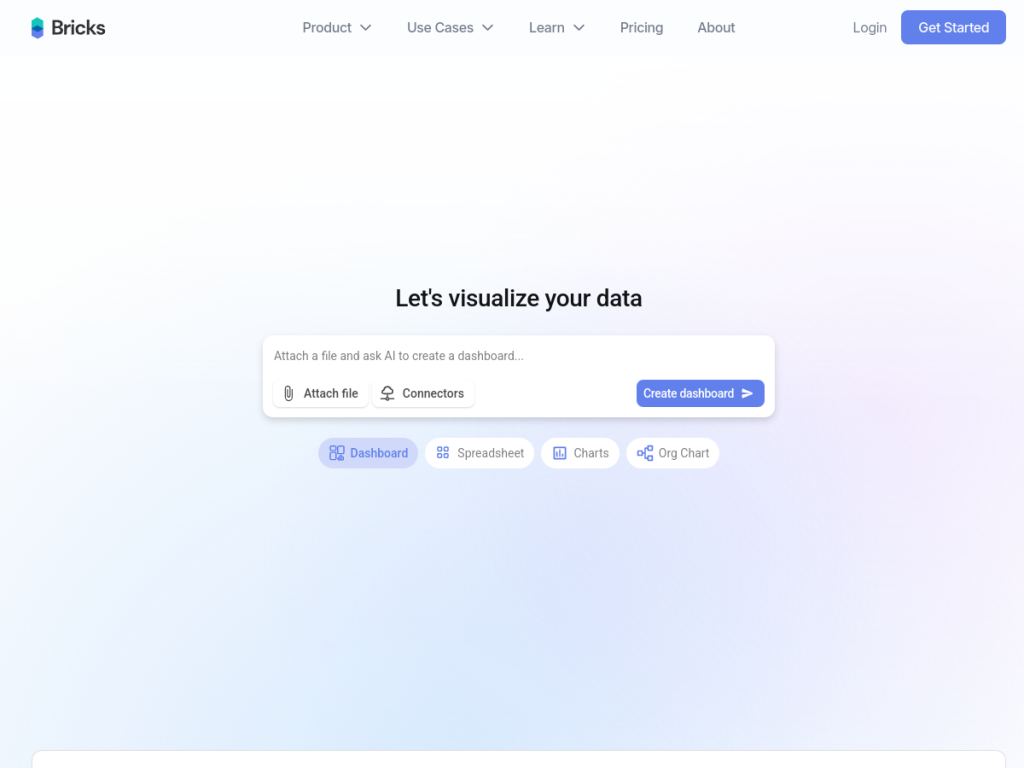
Bricks is an AI-powered data visualization platform that converts spreadsheets and database data into dashboards, reports, charts, and slide decks without advanced technical skills. It offers an AI spreadsheet for editing and transforming data, AI-generated dashboards and reports, a wide range of chart types (from geo maps and heatmaps to funnels and sankey diagrams), and AI presentations that build slides from your data. It connects to sources like Google Sheets, Excel, and databases such as PostgreSQL, MySQL, and SQL Server, plus CRMs and analytics tools, and supports one-click data refresh that preserves your layout, interactive filtering, reusable templates, and professional themes. It is used by a large base of professionals and notable companies, and is free to start.
What it does well
- Data to visuals fast: dashboards, charts, and reports generated by AI.
- AI spreadsheet: edit and transform data with natural-language help.
- Presentations from data: build slide decks directly from your numbers.
- Broad connectors: Sheets, Excel, databases, CRMs, and analytics tools.
Who it is for
Bricks fits analysts, marketers, operators, founders, and teams who work in spreadsheets and need to turn data into shareable visuals quickly — without learning heavyweight BI software. It is especially handy for dashboards, recurring reports, and data-driven presentations. Teams needing deep, governed enterprise analytics with complex modeling may still lean on dedicated BI platforms, but for accessible, AI-assisted visualization, Bricks is a fast, friendly option.
Things to keep in mind
- It focuses on accessible visualization; very complex analytics may need dedicated BI tools.
- AI-generated charts and summaries should be sanity-checked against your data.
- Heavier usage, more connections, and advanced features require paid plans.
Our verdict
Bricks is a genuinely useful bridge between spreadsheets and polished data visuals, letting non-specialists build dashboards, reports, and presentations with AI doing much of the heavy lifting. Its breadth of chart types, data connectors, and one-click refresh make it practical for real, recurring work, not just one-off charts. Serious enterprise analytics may still call for dedicated BI, and AI output deserves a quick check, but for anyone who wants to turn data into shareable visuals fast, Bricks is an excellent, free-to-start choice.
Frequently asked questions
What is Bricks?
Bricks is an AI-powered platform that turns spreadsheets and database data into dashboards, reports, charts, and presentations without advanced technical skills.
What can Bricks connect to?
It connects to Google Sheets, Excel, databases like PostgreSQL, MySQL, and SQL Server, plus CRMs and analytics tools, with one-click data refresh.
Is Bricks free?
Yes, Bricks is free to start with no credit card required; paid plans add more usage, connections, and features.
Can Bricks make presentations?
Yes. Bricks can generate slide decks and AI presentations directly from your data, alongside dashboards and reports.
Top Bricks alternatives
Other hand-reviewed AI Productivity tools worth comparing against Bricks.
AkiflowPaid
Akiflow is a paid AI productivity tool. Our hands-on review covers features, pricing, pros and cons, and who…
AmieFreemium
Amie is a freemium AI productivity tool. Our hands-on review covers features, pricing, pros and cons, and who…
Any doFree Trial
Any do by Any.do is a free trial AI productivity tool. Our hands-on review covers features, pricing, pros…
AudioPenPaid
AudioPen is a paid AI productivity tool. Our hands-on review covers features, pricing, pros and cons, and who…
CodaFree Trial
Coda is a free trial AI productivity tool. Our hands-on review covers features, pricing, pros and cons, and…
CraftFreemium
Craft is a freemium AI productivity tool. Our hands-on review covers features, pricing, pros and cons, and who…
Are you the maker of Bricks?
Show visitors this review with the badge below. Copy the code into your site or press kit; it links straight back to this page.