Key takeaways
- Craft is a beautifully designed app for notes, documents, tasks and collaborative thinking in one workspace.
- It adds AI writing assistance, whiteboards, calendar, daily notes, templates and direct publishing.
- Known for exceptional design and Apple-platform polish (Mac App of the Year), with MCP integrations to Claude/ChatGPT.
- A premium, design-first alternative to Notion; AI writing is assistive and should be reviewed.
What Craft is
Craft is a productivity app for notes, tasks, documents and collaborative thinking, distinguished above all by its design. Where many note apps are functional but plain, Craft is genuinely beautiful and a pleasure to use, which has earned it industry recognition including an Apple App Store “Mac App of the Year” award. It functions as a unified workspace — documents with embedded tasks, a calendar, whiteboards, daily notes and templates — and serves a broad audience of writers, students, product managers, creators and educators.
Its philosophy is keeping ideas and tasks together and making the experience delightful. Craft emphasises capturing ideas instantly across devices and refining them later, with a polish and attention to detail that stands out in the category. For people who care about how their tools look and feel — particularly in the Apple ecosystem, where Craft shines — that design quality is a real differentiator.
The AI and features
Craft includes AI writing assistance for drafting and refining content, alongside its documents, tasks, calendar, whiteboards, daily notes and templates. It supports direct publishing (turning documents into shareable pages) and integrates with external tools — Claude, ChatGPT, VS Code, Raycast and others — via MCP connections and APIs, which lets it fit into AI-assisted workflows and connect your documents to AI assistants.
The AI writing is a helpful accelerator for drafting and editing, and the MCP integrations are a forward-looking touch that connects Craft to the broader AI ecosystem. As with all AI writing, generated and refined text should be reviewed for accuracy and voice. Craft’s core strength remains its design and the delightful experience of writing and organising in it; the AI complements that rather than being its headline.
Strengths and limits
The strengths are design, experience and Apple-platform polish. Craft is one of the best-looking, most pleasant workspaces available, with a strong feature set (docs, tasks, whiteboards, daily notes, publishing) and modern AI and MCP integrations. For design-conscious users, especially on Apple devices, it is a joy to use.
The limits: its design-first, somewhat premium positioning means it may be less extensible or database-heavy than Notion for complex team workflows, and its best experience is on Apple platforms. AI writing needs review. For those who value a beautiful, well-crafted workspace, though, these are minor trade-offs.
Who it suits
- Design-conscious users who want a beautiful notes-and-docs workspace.
- Apple-ecosystem users wanting polished, cross-device capture and writing.
- Writers, students and creators who value a delightful, unified workspace with AI.
Verdict
Craft is one of the most beautifully designed productivity apps available, uniting notes, documents, tasks, whiteboards and daily notes in a delightful, award-winning workspace, now with AI writing assistance and MCP integrations to Claude, ChatGPT and more. For design-conscious users — especially in the Apple ecosystem — the experience is a genuine pleasure and a real differentiator. It is design-first and somewhat premium rather than the most extensible team database, and its AI writing needs review, but for a gorgeous, well-crafted, AI-enabled workspace, Craft is a standout.
Top Craft alternatives
Other hand-reviewed AI Productivity tools worth comparing against Craft.
AkiflowPaid
Akiflow is a paid AI productivity tool. Our hands-on review covers features, pricing, pros and cons, and who…
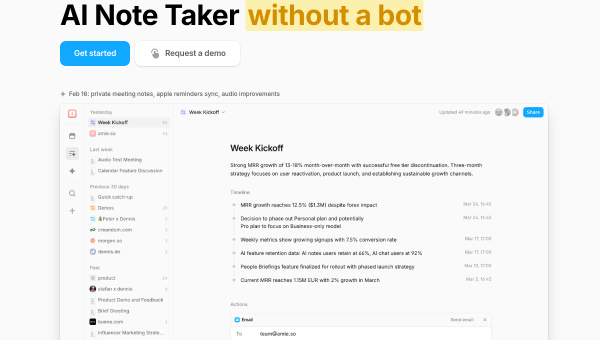
AmieFreemium
Amie is a freemium AI productivity tool. Our hands-on review covers features, pricing, pros and cons, and who…
Any doFree Trial
Any do by Any.do is a free trial AI productivity tool. Our hands-on review covers features, pricing, pros…
AudioPenPaid
AudioPen is a paid AI productivity tool. Our hands-on review covers features, pricing, pros and cons, and who…
BricksFree Trial
Bricks is a free trial AI productivity tool. Our hands-on review covers features, pricing, pros and cons, and…
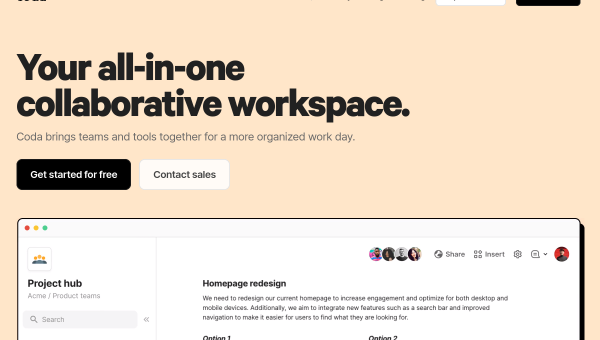
CodaFree Trial
Coda is a free trial AI productivity tool. Our hands-on review covers features, pricing, pros and cons, and…
Are you the maker of Craft?
Show visitors this review with the badge below. Copy the code into your site or press kit; it links straight back to this page.