Key Takeaways
- Azure AI Vision is Microsoft’s image and video analysis service.
- It does OCR, image analysis, object detection, and face detection.
- It offers spatial analysis and customizable vision models.
- Great for developers adding vision AI to applications on Azure.
Azure AI Vision is Microsoft’s cloud service for understanding images and video — giving developers powerful, ready-made vision capabilities without training models from scratch. It reads text from images and documents (OCR), analyzes and describes image content, detects objects and faces, and even supports custom vision models tailored to your needs. For teams building on Azure who need reliable, enterprise-grade image analysis, it is a leading option.
What is Azure AI Vision?
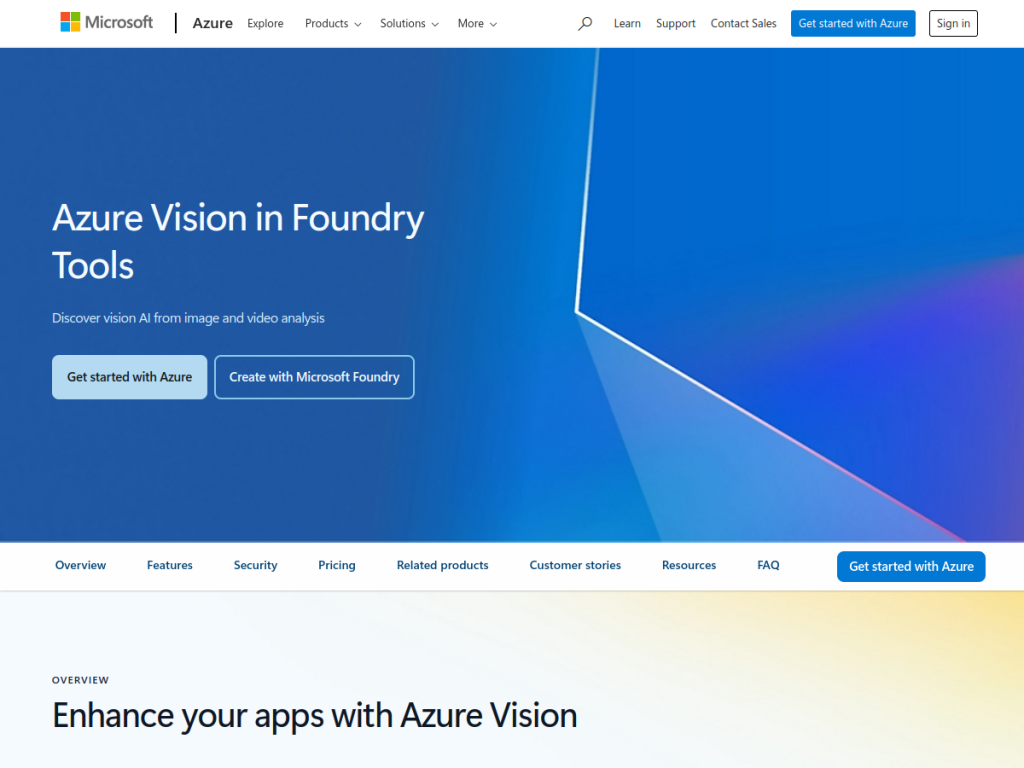
Azure AI Vision is Microsoft’s computer-vision service within Azure AI Services, providing image and video analysis through APIs. Its capabilities include OCR (reading printed and handwritten text from images and documents), image analysis (generating captions, tags, and descriptions of image content), object detection, face detection and analysis (with responsible-AI gating on sensitive capabilities), spatial analysis for understanding people’s movement in physical spaces, and customizable vision models (letting you train models for your specific scenarios with limited data). It integrates with the broader Azure ecosystem and offers enterprise features around security, compliance, and scale. It is aimed at developers and organizations building applications that need to understand visual content — from document processing and content moderation to retail and manufacturing scenarios. Azure AI Vision uses Azure usage-based pricing with a free tier to start.
What it does well
- Strong OCR: reads printed and handwritten text.
- Rich analysis: captions, tags, objects, and faces.
- Customizable: train vision models for your scenarios.
- Enterprise-grade: Azure security, compliance, and scale.
Who it is for
Azure AI Vision fits developers and enterprises — especially those already on Azure — who need to add image and video understanding to applications: extracting text via OCR, analyzing and tagging images, detecting objects, or building custom vision models, with enterprise security and compliance. Its scale suits production workloads. Non-developers wanting a finished app will look elsewhere, usage-based costs scale with volume, and face-related capabilities are responsibly gated and must be used within Microsoft’s policies, but for enterprise vision AI on Azure, it is an excellent choice with a free tier.
Things to keep in mind
- It is a developer service, not a finished end-user app.
- Usage-based pricing means costs scale with volume.
- Face and sensitive capabilities are gated and must follow Microsoft’s responsible-AI policies.
Our verdict
Azure AI Vision is a powerful, enterprise-grade computer-vision service, and its breadth is its strength: strong OCR for printed and handwritten text, image analysis with captions and tags, object and face detection, spatial analysis, and customizable models you can train for your own scenarios — all through APIs backed by Azure’s security, compliance, and scale. For developers and organizations on Azure adding visual understanding to applications, it is a dependable building block. It is a developer service with usage-based costs and responsibly gated face features, but for enterprise vision AI, it is an excellent choice with a free tier.
Frequently asked questions
What is Azure AI Vision?
Azure AI Vision is Microsoft’s image and video analysis service offering OCR, image analysis and tagging, object and face detection, spatial analysis, and customizable vision models.
What can Azure AI Vision do?
It reads text from images and documents (OCR), generates captions and tags, detects objects and faces, analyzes spaces, and supports custom-trained vision models.
Is Azure AI Vision free?
Azure AI Vision uses Azure usage-based pricing with a free tier to get started; costs scale with volume and features.
Who is Azure AI Vision for?
It is for developers and enterprises — especially on Azure — who need to add image and video understanding to applications with enterprise security and scale.
Top Azure AI Vision alternatives
Other hand-reviewed OCR tools worth comparing against Azure AI Vision.
ABBYY FineReaderPaid
ABBYY FineReader is a paid AI business and ocr tool for operations teams. Our review covers what it…
Adobe Acrobat AIFreemium
Adobe Acrobat AI is a freemium AI business and ocr tool for document-heavy teams. Our review covers what…
AWS TextractPaid
AWS Textract by Amazon Web Services is a paid AI business and ocr tool for operations teams. Our…
DocparserPaid
Docparser is a paid AI business and ocr tool for operations teams. Our review covers what it does,…
DocsumoPaid
Docsumo is a paid AI business and ocr tool for operations teams. Our review covers what it does,…
DocuWareEnterprise
DocuWare is an enterprise AI automation and business tool for operations teams. Our review covers what it does,…
Are you the maker of Azure AI Vision?
Show visitors this review with the badge below. Copy the code into your site or press kit; it links straight back to this page.



