Key Takeaways
- Napkin turns your text into diagrams, infographics, and other visuals automatically.
- You paste text and it suggests visuals — no complex prompting or design skills needed.
- Aimed at professionals making presentations, posts, and docs who want quick visuals.
- Great for fast, clear visuals; complex custom graphics may still need a design tool.
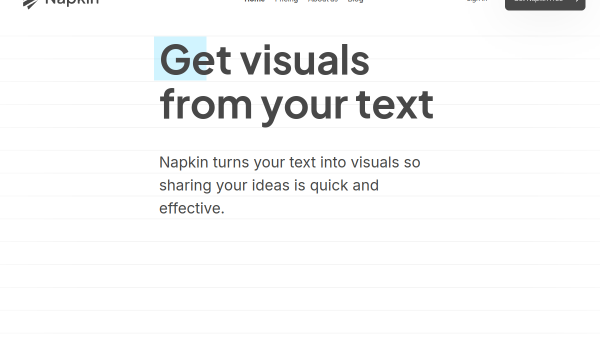
Napkin solves a common problem: you have written something, and you want a visual to go with it, but you are not a designer. Paste your text into Napkin and it generates relevant diagrams, infographics, and flowcharts automatically — no prompting required. For turning ideas and content into clear visuals quickly, it is genuinely handy.
What is Napkin?
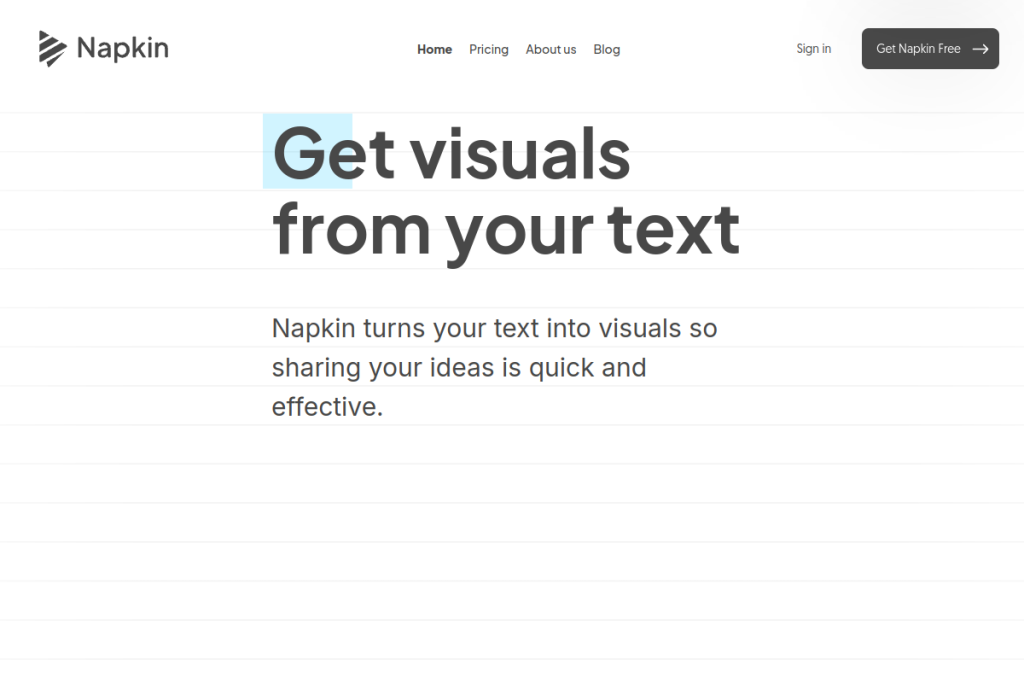
Napkin is an AI visual-generation tool that converts text into visuals. Rather than asking you to describe an image, it reads your text and suggests diagrams, infographics, and flowcharts you can pick from and customise — adjusting colours, layout, and elements. It exports to formats like PPT, PNG, PDF, and SVG, supports many languages, and includes collaboration features.
What it does well
- Text-to-visual — generate diagrams and infographics from your text.
- No prompting needed — it reads your content and suggests visuals.
- Customisation — adjust colours, layout, and elements to fit.
- Export options — PPT, PNG, PDF, and SVG for use anywhere.
- Collaboration — work and comment together in real time.
Who it is for
Napkin suits professionals, educators, marketers, and content creators who write a lot and want to quickly turn text into clear visuals for presentations, blog posts, social media, and documents. It is especially useful for people who need diagrams and infographics but lack the time or skills to design them from scratch.
Things to keep in mind
Napkin is excellent for fast, clear visuals from text, but for highly bespoke, brand-specific, or intricate graphics, a dedicated design tool still offers more control. The generated visuals are a strong starting point — reviewing and customising them ensures they accurately represent your ideas and fit your style.
Our verdict
Napkin is a genuinely useful tool for anyone who turns ideas and writing into visuals. Generating diagrams and infographics directly from text — without prompting or design skills — removes real friction for presentations and content. Customise the results to fit your style, keep a design tool for bespoke work, and Napkin becomes a fast way to make your ideas visual.
Frequently asked questions
How does Napkin create visuals?
You paste in your text and Napkin reads it, then suggests relevant diagrams, infographics, and flowcharts you can choose from and customise — no image prompting required.
Can I export Napkin visuals?
Yes — it exports to formats like PPT, PNG, PDF, and SVG, so you can use the visuals in presentations, documents, blogs, and social media.
Reviewed by the World of AI Hub editorial team based on the tool website and documentation.
Top Napkin alternatives
Other hand-reviewed AI Productivity tools worth comparing against Napkin.
AkiflowPaid
Akiflow is a paid AI productivity tool. Our hands-on review covers features, pricing, pros and cons, and who…
AmieFreemium
Amie is a freemium AI productivity tool. Our hands-on review covers features, pricing, pros and cons, and who…
Any doFree Trial
Any do by Any.do is a free trial AI productivity tool. Our hands-on review covers features, pricing, pros…
AudioPenPaid
AudioPen is a paid AI productivity tool. Our hands-on review covers features, pricing, pros and cons, and who…
BricksFree Trial
Bricks is a free trial AI productivity tool. Our hands-on review covers features, pricing, pros and cons, and…
CodaFree Trial
Coda is a free trial AI productivity tool. Our hands-on review covers features, pricing, pros and cons, and…
Are you the maker of Napkin?
Show visitors this review with the badge below. Copy the code into your site or press kit; it links straight back to this page.