Key Takeaways
- xTiles is a flexible, visual workspace for notes and planning.
- It organizes notes, tasks, and projects on one flexible canvas.
- It adds AI workflows and connects to Claude and ChatGPT via MCP.
- Great for visual, focus-friendly planning and personal organization.
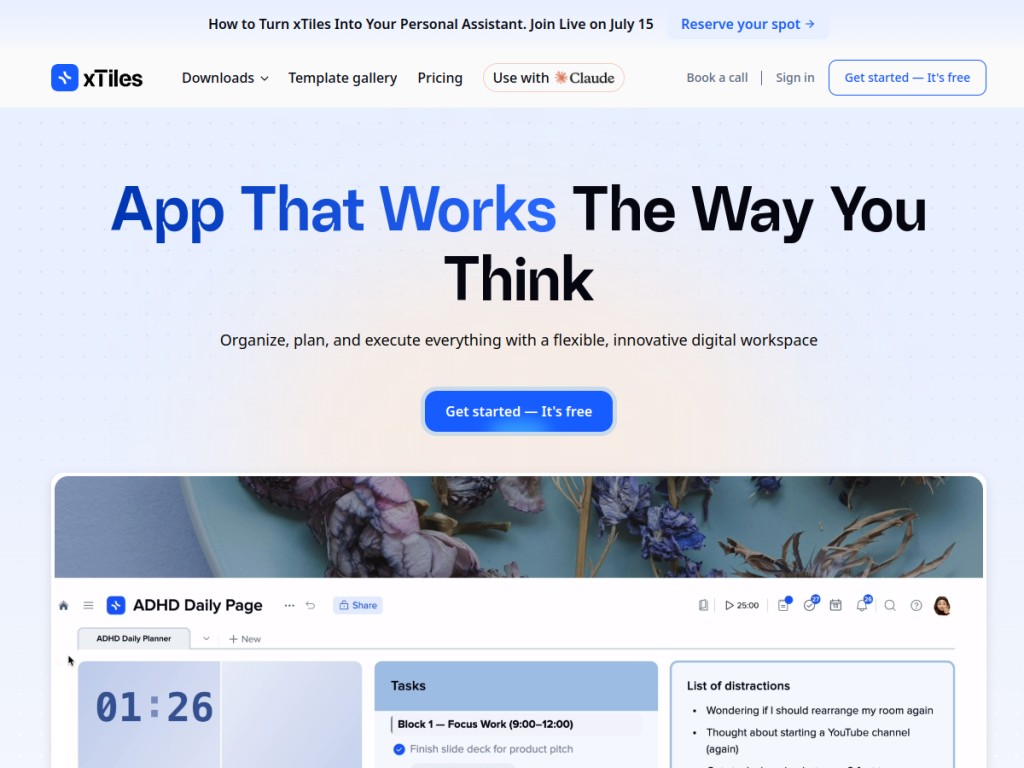
xTiles is a flexible, visual workspace designed to help you plan projects, capture notes, and organize tasks on one adaptable canvas — with a focus on clarity and focus (it markets itself as ADHD-friendly). It combines the structure of documents with the flexibility of a visual board, and it has added AI: ready-made AI workflows and connections to assistants like Claude and ChatGPT. For people who want a calmer, more visual way to organize their work and life, xTiles is an appealing option.
What is Xtiles?
xTiles is a visual, focus-friendly workspace where you plan projects, capture notes, and organize tasks on one flexible canvas built for focus (it describes itself as ADHD-friendly). It combines a flexible digital canvas for organizing and planning with structured content, and offers many focus-oriented templates (such as flexible planners, ADHD pages, and creative planners). Its AI features integrate with AI assistants through MCP connections (including Claude and ChatGPT) and provide ready-made AI workflows such as a Daily Brief, Evening Reflection, Email Assistant, Weekly Review, Today News, and Tasks Triage. xTiles reports a large community (800,000-plus members) and offers desktop and mobile apps. It is free to get started, with paid plans for more features.
What it does well
- Visual and flexible: notes and tasks on one canvas.
- Focus-friendly: designed for clarity (ADHD-friendly).
- AI workflows: daily briefs, reviews, and task triage.
- Connected: works with Claude and ChatGPT via MCP.
Who it is for
xTiles fits people who want a visual, flexible, focus-friendly workspace to plan projects, capture notes, and organize tasks — especially those who find rigid tools stressful and value a calmer, more adaptable canvas, and who like ready-made AI workflows and connections to assistants like Claude and ChatGPT. Its templates and focus orientation suit personal organization and planning. Those needing a heavy database or team project tool may prefer other apps, and AI workflow outputs should be reviewed, but for visual, focus-friendly planning and organization with AI, xTiles is a capable choice with a free start.
Things to keep in mind
- AI workflow outputs should be reviewed before relying on them.
- It leans toward personal organization more than heavy team project management.
- More features require paid plans.
Our verdict
xTiles is an appealing visual workspace, and its focus is its charm: plan projects, capture notes, and organize tasks on one flexible, focus-friendly canvas (marketed as ADHD-friendly), blending document structure with visual freedom. Its AI additions — ready-made workflows like a Daily Brief, Weekly Review, and Tasks Triage, plus connections to Claude and ChatGPT via MCP — make it genuinely useful for staying organized. It leans personal over heavy team project management and AI outputs need review, but for visual, focus-friendly planning with AI, xTiles is a solid choice with a free start.
Frequently asked questions
What is xTiles?
xTiles is a flexible, visual, focus-friendly workspace for planning projects, capturing notes, and organizing tasks on one adaptable canvas, with AI workflows.
What AI features does xTiles have?
It offers ready-made AI workflows (like Daily Brief, Weekly Review, and Tasks Triage) and connects to AI assistants such as Claude and ChatGPT via MCP.
Is xTiles free?
xTiles is free to get started, with paid plans for more features.
Who is xTiles for?
It is for people who want a visual, flexible, focus-friendly workspace for notes, tasks, and planning, including those who find rigid tools stressful.
Top Xtiles alternatives
Other hand-reviewed AI Productivity tools worth comparing against Xtiles.
AkiflowPaid
Akiflow is a paid AI productivity tool. Our hands-on review covers features, pricing, pros and cons, and who…
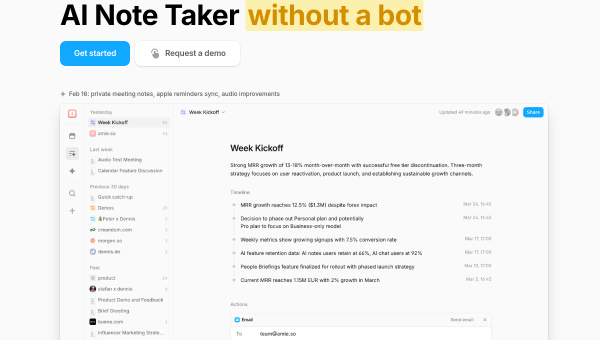
AmieFreemium
Amie is a freemium AI productivity tool. Our hands-on review covers features, pricing, pros and cons, and who…
Any doFree Trial
Any do by Any.do is a free trial AI productivity tool. Our hands-on review covers features, pricing, pros…
AudioPenPaid
AudioPen is a paid AI productivity tool. Our hands-on review covers features, pricing, pros and cons, and who…
BricksFree Trial
Bricks is a free trial AI productivity tool. Our hands-on review covers features, pricing, pros and cons, and…
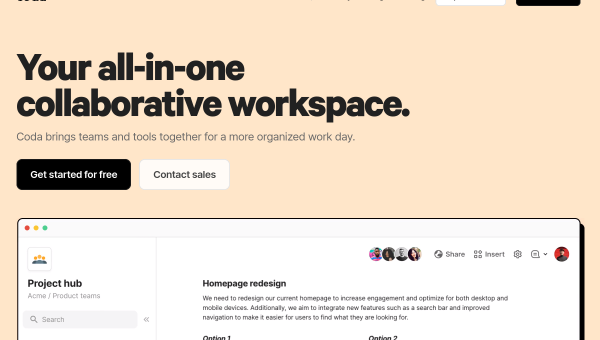
CodaFree Trial
Coda is a free trial AI productivity tool. Our hands-on review covers features, pricing, pros and cons, and…
Are you the maker of Xtiles?
Show visitors this review with the badge below. Copy the code into your site or press kit; it links straight back to this page.